
ScanSki
by DJ Jetski · for macOS
Phone photo in. Clean scan out.
ScanSki turns the photos of letters, forms and receipts that are already on your Mac into clean, true-size, searchable PDFs. Right-click the photos in the Finder and choose Scan to PDF. No second scan with the phone, no app to open, nothing to import.
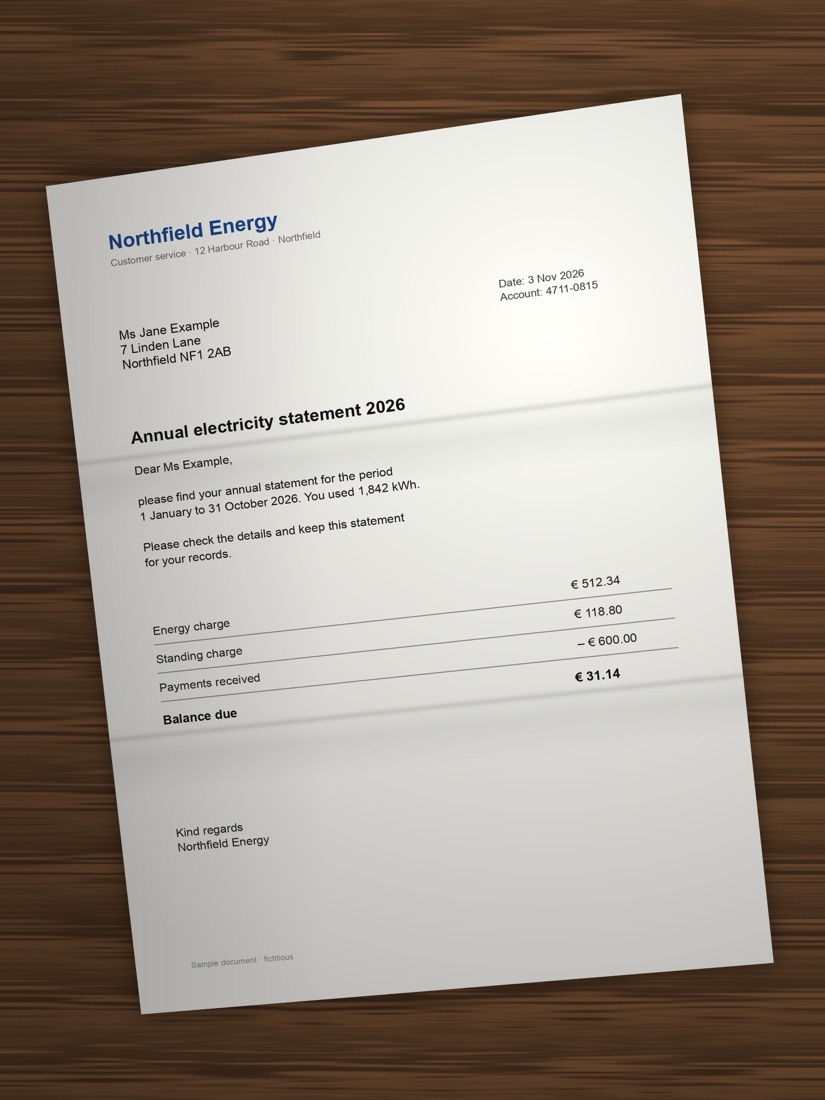
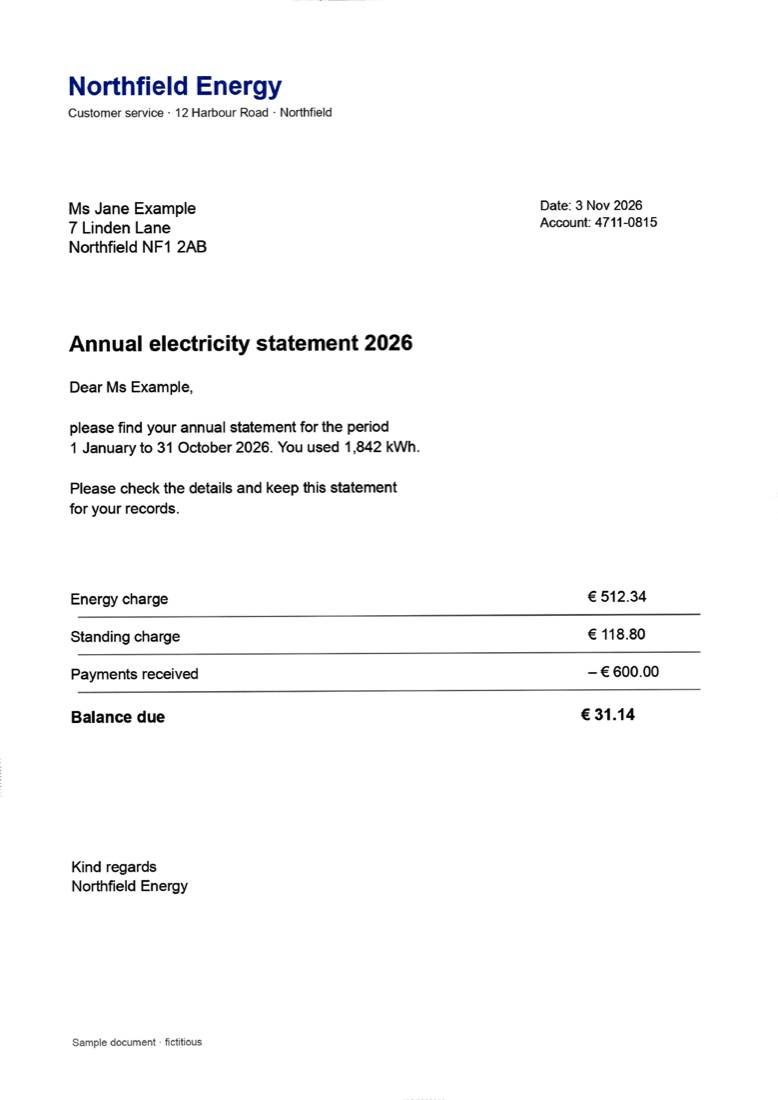
Sample letter is fictitious; the right side is real ScanSki output.
Straight and upright
Finds the sheet, corrects tilt and perspective, and turns sideways or upside-down shots upright.
Like a flatbed scan
Removes the table, shadows, flash glare and fold lines, while faint print stays readable.
True size, searchable
A4 pages at real size with an invisible text layer, so you can search and copy the text.
Many photos, one PDF
Select several photos and get one multi-page PDF in natural name order, next to the first photo.
Stays on your Mac
Runs locally on Apple's own frameworks. No cloud, no account, no subscription, no tracking.
Your files
HEIC, JPEG, PNG, TIFF and existing scan PDFs. Originals stay untouched, nothing is overwritten.
- Buy ScanSki and download ScanSki-0.5.0.pkg.
- Open the installer. It is signed and notarized by Apple.
- Right-click photos in the Finder → Scan to PDF. Nothing to switch on.
Honest limits: strongly curled pages stay a little wavy, fully blown-out flash glare cannot be restored, and a page that is cut off in the photo stays cut off (ScanSki warns). Photograph book spreads one page at a time. Original DNG/ProRAW files are not supported; their JPEG exports are.
To remove ScanSki, open the ScanSki app and choose Uninstall…. Questions: [email protected].
Payment and invoice by Polar (merchant of record). Single-user license.